,quality(70)/https%3A%2F%2Fcms.tracker.gg%2Fcontent%2Fimages%2F2026%2F06%2FHLWEYGrWcAAnplz--1-.jpg/image.jpg)
,quality(70)/https%3A%2F%2Fcms.tracker.gg%2Fcontent%2Fimages%2F2026%2F06%2FMaps.jpg/image.jpg)
,quality(70)/https%3A%2F%2Fcms.tracker.gg%2Fcontent%2Fimages%2F2026%2F06%2FHLban5yWcAAUihk.jpg/image.jpg)
,quality(70)/https%3A%2F%2Fcms.tracker.gg%2Fcontent%2Fimages%2F2026%2F06%2Fdff731d25c880d9910a192a105fcc45e038b8d5b-1920x1080.jpg/image.jpg)
,quality(70)/https%3A%2F%2Fcms.tracker.gg%2Fcontent%2Fimages%2F2026%2F06%2FHLVwwmhWMAAOOcX.jpg/image.jpg)
,quality(70)/https%3A%2F%2Fcms.tracker.gg%2Fcontent%2Fimages%2F2026%2F06%2FHLVupbGXkAAot2_.jpg/image.jpg)
,quality(70)/https%3A%2F%2Fcms.tracker.gg%2Fcontent%2Fimages%2F2026%2F06%2Fe83685974edceceef3fd8e0413dac95762816804-1920x1080.jpg/image.jpg)
,quality(70)/https%3A%2F%2Fcms.tracker.gg%2Fcontent%2Fimages%2F2026%2F06%2FHKBQQI6WQAAMa0a.jpg/image.jpg)
,quality(70)/https%3A%2F%2Fcms.tracker.gg%2Fcontent%2Fimages%2F2026%2F06%2Fpremium-frame-spirited_1200x675_comp.png/image.png)
,quality(70)/https%3A%2F%2Fcms.tracker.gg%2Fcontent%2Fimages%2F2026%2F05%2FHI9JtYgagAAICE1.jpg/image.jpg)
,quality(70)/https%3A%2F%2Fcms.tracker.gg%2Fcontent%2Fimages%2F2026%2F05%2Fa31dc45ada5e1baae65a26fd14d0bf5cdfa363b7-1920x1080.jpg/image.jpg)
,quality(70)/https%3A%2F%2Fcms.tracker.gg%2Fcontent%2Fimages%2F2026%2F05%2FEN_FNBR_40-40_C7S2_Venison_KeyArt_Generic_SocialShare_1920x1080.jpeg/image.png)
,quality(70)/https%3A%2F%2Fcms.tracker.gg%2Fcontent%2Fimages%2F2026%2F05%2F6c3ff058d1687e0b46a65429c18e1ff440057e57-1920x1080.jpg/image.jpg)
,quality(70)/https%3A%2F%2Fcms.tracker.gg%2Fcontent%2Fimages%2F2026%2F05%2FAnnouncement_-Deadlock_comp.png/image.png)
,quality(70)/https%3A%2F%2Fcms.tracker.gg%2Fcontent%2Fimages%2F2026%2F05%2FHHpl4WfWEAIex3d.jpg/image.jpg)
,quality(70)/https%3A%2F%2Fcms.tracker.gg%2Fcontent%2Fimages%2F2026%2F04%2FHHFNB4DawAANixJ.jpg/image.jpg)
,quality(70)/https%3A%2F%2Fcms.tracker.gg%2Fcontent%2Fimages%2F2026%2F04%2Ffcb25b1ac30cf0e1eba39054619d979bfa5e7927-1920x1080.jpg/image.jpg)
,quality(70)/https%3A%2F%2Fcms.tracker.gg%2Fcontent%2Fimages%2F2026%2F04%2F467990df03fbdf3632bccd14f08ae3ce8d6d9279-1920x1080.jpg/image.jpg)
,quality(70)/https%3A%2F%2Fcms.tracker.gg%2Fcontent%2Fimages%2F2026%2F04%2FMaps--1-.jpg/image.jpg)
,quality(70)/https%3A%2F%2Fcms.tracker.gg%2Fcontent%2Fimages%2F2026%2F04%2FIMG_3781.jpeg/image.png)
,fit(cover),quality(100)/https%3A%2F%2Ftrackercdn.com%2Fghost%2Fimages%2F2023%2F5%2F8754_glitch.jpg/image.jpg)
Wondering if you can refund weapon skins and other items that you purchased in Valorant? Valorant is a popular first-person shooter title that allows players to purchase gun skins and other cosmetic items to personalize their gameplay experience.
However, sometimes players may regret a purchase or reconsider their decision after purchasing a specific skin. In such instances, they have the option to seek a refund for their purchase. If you're looking for a way to refund Valorant skins, then you're in luck.
How To Refund Skins in Valorant
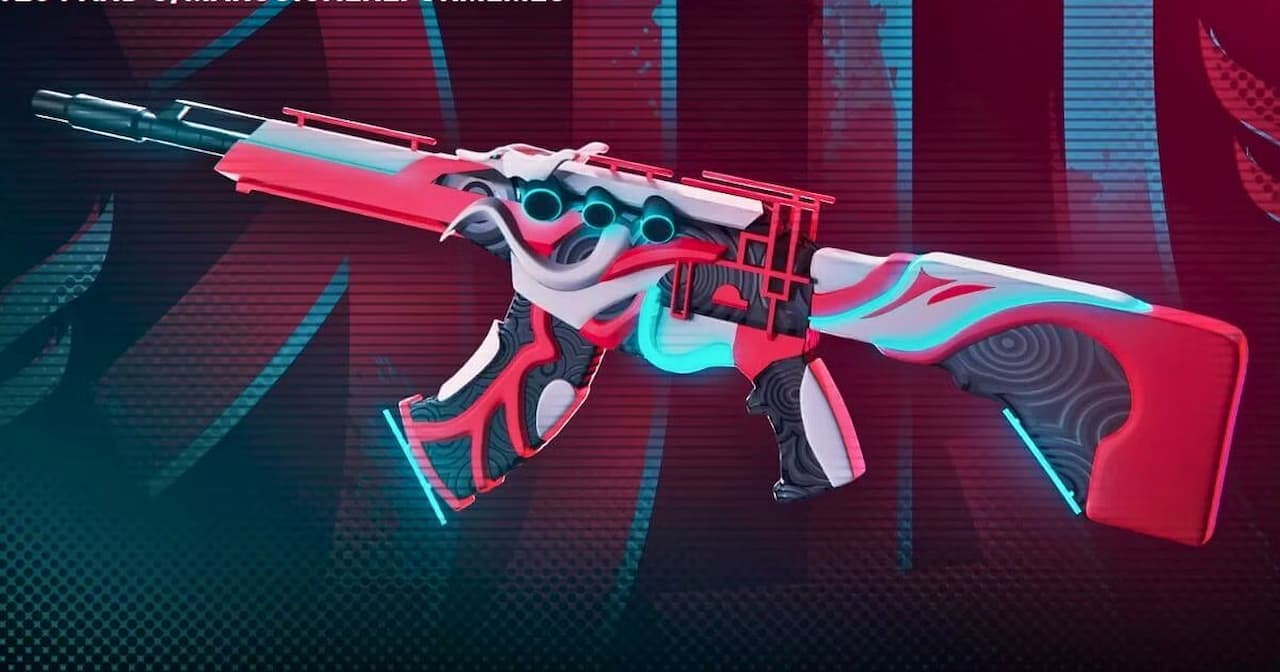
You can initiate a refund in Valorant by following these steps:
- Visit the official Valorant Support Refund website.
- Scroll down and click on the LOG IN button.
- Sign in using your Valorant Account credentials.
- Scroll down once again and choose the GET MY ORDER HISTORY option.
- This will display all the Valorant content eligible for a refund. To request a refund, click on the / REFUND button next to the item you wish to return.
What's the Valorant Refund Policy
Valorant refund policy states only unused in-game content and unused VP purchased within the last 14 days are eligible for a refund. In-game content counts as used once it's taken into a game: that means you've reached the loading screen of a match in any mode (including custom games or practice) with that content equipped.
In other words, you can't get a refund for these items:
- Used Weapon Skins
- Upgraded Weapon Skins
- Used In-Game Content (Gun Buddies, Player Cards, etc.)
- Character Contract Levels
- Weapon Skin Levels
- Weapon Skin Bundles
- Premium Battle Passes
- Premium Battle Pass Levels
- Radianite Points
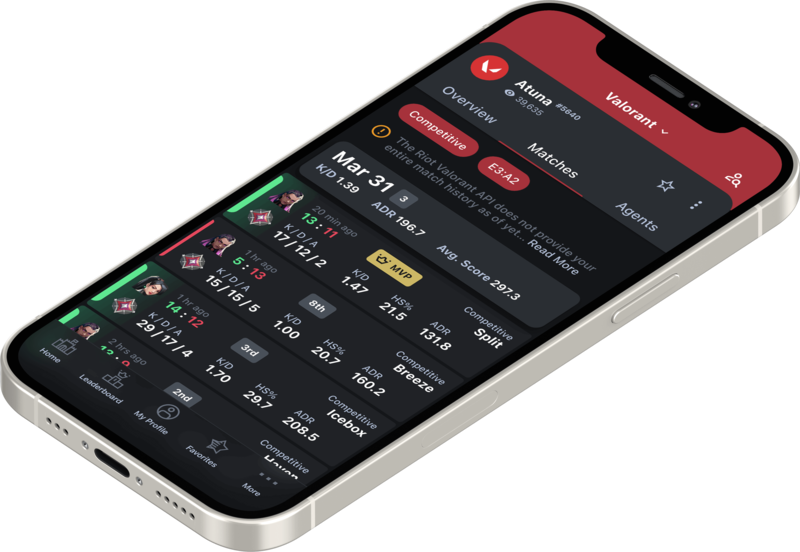
That concludes our guide on refunding Valorant skin. Before you leave, check out our Valorant tracker app to monitor your in-game performance.
,fit(cover),quality(80)/https%3A%2F%2Fcms.tracker.gg%2Fcontent%2Fimages%2F2026%2F06%2FMaps.jpg/image.jpg)
,fit(cover),quality(80)/https%3A%2F%2Fcms.tracker.gg%2Fcontent%2Fimages%2F2026%2F06%2FHLban5yWcAAUihk.jpg/image.jpg)
,fit(cover),quality(80)/https%3A%2F%2Fcms.tracker.gg%2Fcontent%2Fimages%2F2026%2F06%2Fdff731d25c880d9910a192a105fcc45e038b8d5b-1920x1080.jpg/image.jpg)
,fit(cover),quality(80)/https%3A%2F%2Fcms.tracker.gg%2Fcontent%2Fimages%2F2026%2F06%2FHLVwwmhWMAAOOcX.jpg/image.jpg)
,fit(cover),quality(80)/https%3A%2F%2Fcms.tracker.gg%2Fcontent%2Fimages%2F2026%2F06%2FHLVupbGXkAAot2_.jpg/image.jpg)