,fit(cover),quality(100)/https%3A%2F%2Ftrackercdn.com%2Fghost%2Fimages%2F2023%2F4%2F142139_XDefiant.png/image.jpg)
XDefiant is a crossover arena shooter featuring several of Ubisoft's games. Whether you're a fan of Splinter Cell, Ghost Recon, Far Cry, or The Division, you'll find a Faction from each when you choose a team. However, there may come a time when you're blocked from playing the game by an error message. As there are quite a few of them popping up, here are all the ones we've found and what they mean.
XDefiant Closed Beta
The codes showed up during the Closed Beta and Insider Session. When the game fully launches, it is expected that many of them will be fixed so they should no longer be an issue. However, as the game is in development and constantly going through changes, many of the errors may remain.
We are investigating loading and connection issues, as soon as we have more information we will update.
— XDefiant (@PlayXDefiant) April 13, 2023
There is also a delay in access via email after claiming a Twitch Drop, so please keep an eye on your inbox!
Thank you for your patience in the meantime! https://t.co/pLS0tQMVM3
Echo Error
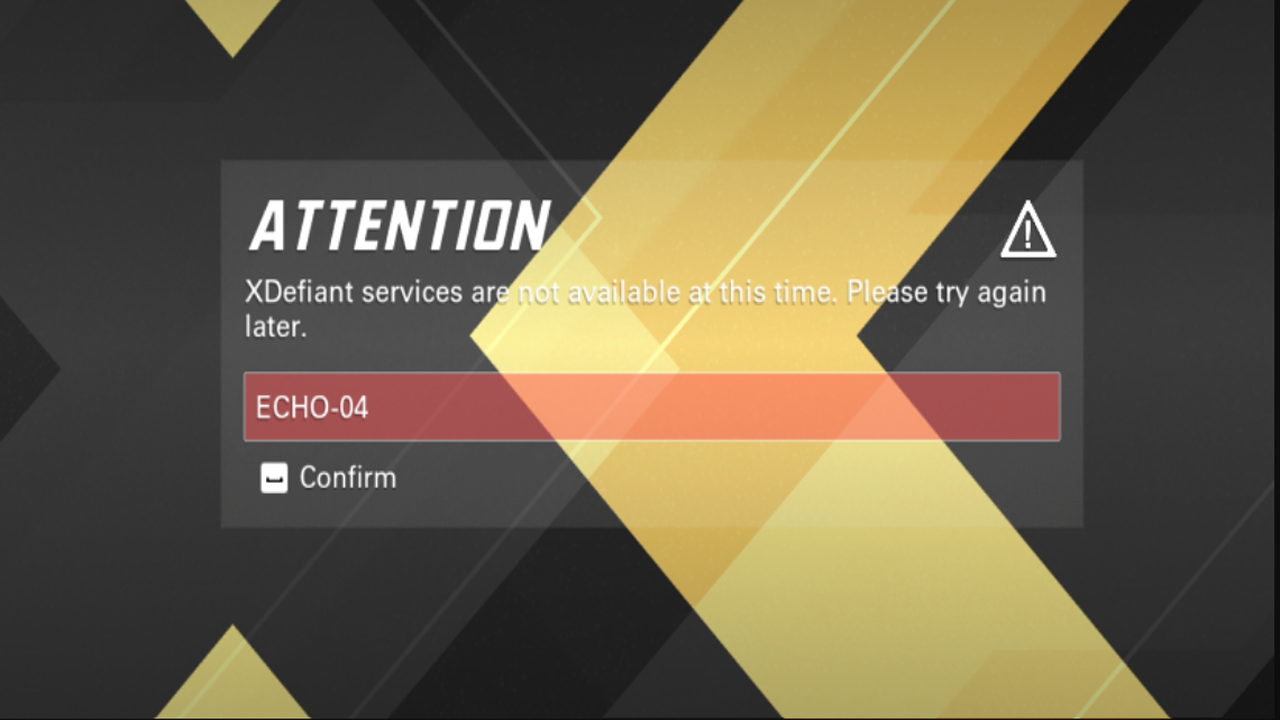
The Echo error is one quite a lot of players are dealing with. It can be encountered when you first start the game and don't get through to the main menu. There are several Echo error messages players are seeing with the main ones being Echo-2, Echo-4, and Echo-6. All it means is the servers are down for some reason leaving players unable to log in to them.
Foxtrot Error
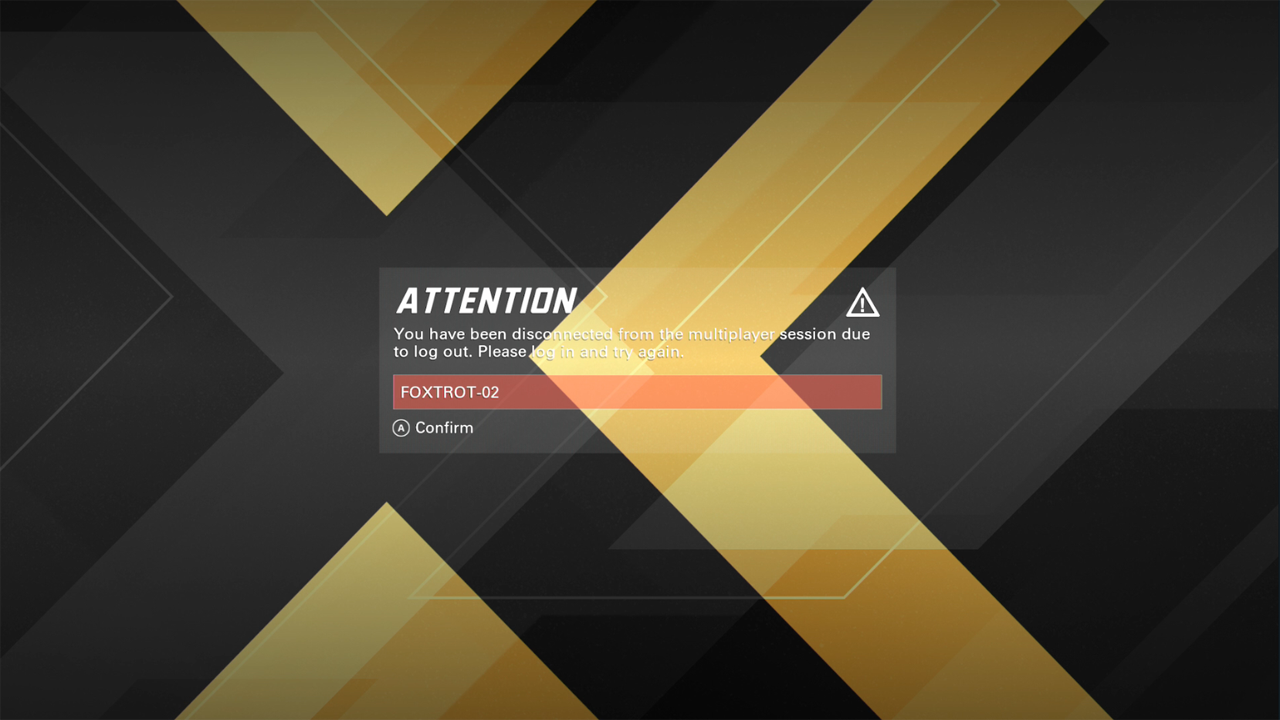
The Foxtrot error message is similar to the Echo issue. It says you've been disconnected from the multiplayer server due to logging out but it could mean XDefiant's servers are either unstable or currently down. This could be due to the high amount of players trying to play the game or a problem on Ubisoft's end.
Delta Error
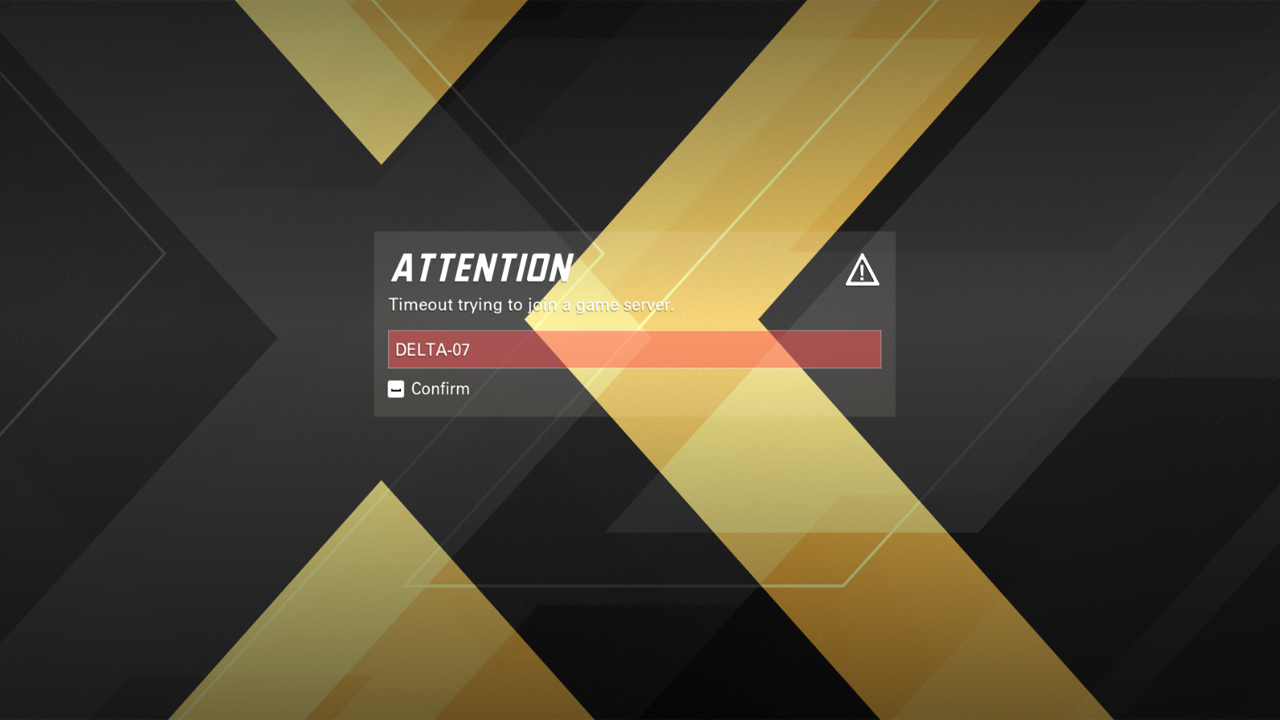
The Delta error occurs when you try to join a game server. The time it takes to join it cut out and booted you from the server. There isn't a known fix for it but Ubisoft is working on providing one.
Fixes for Echo, Foxtrot, and Delta Errors
Unfortunately, there isn't a fix for the mentioned errors yet. Ubisoft's support team is investigating the issue and will report back when one is found. In the meantime, you can try the following tactics:
- Shut down the game and restart it.
- Disconnect your internet and plug it back in again.
- Turn off your console or PC.
- Check your internet to see if it dropped while you were playing or tried to connect to the game.
- Check XDefiant's official Twitter for updates.
Nine Percent Error
The nine percent error is different from the others. This happens after a match ends and you'll know you're stuck with it when you encounter a black screen with the load stuck at nine percent. The loading screen can be found in the bottom right corner of the screen.
Mark Rubin, executive producer for XDefiant, posted a fix for the problem. If you're playing on PC, all you have to do is alt-tab back and forth between the game and desktop, you should be able to bypass the lockup. While Xbox users don't have that luxury, they can get around it as well. You can either try and wait it out to see if it loads properly or exit out of the game. Once you reach the main Xbox screen, quit the game completely and start it back up.
Ok, there MAY be a workaround for the 9% issue. If you alt-tab back and forth on PC it may get past the 9% hang. And I know that doesn't necessarily help console players, unfortunately. Also, BIG shout-out to @Slacked for finding this workaround! You're hired! 🤣
— Mark Rubin (@PixelsofMark) April 14, 2023
Redeeming Code Error
Players are also having trouble redeeming a code for XDefiant. There is a fix for this and it all has to do with your Ubisoft account. First, you'll want to create a new Ubisoft account without connecting your Xbox or PC. Instead, just use your email. After you verify your information, sing back in on your browser to the new account and put in the code.
,fit(cover),quality(80)/https%3A%2F%2Fcms.tracker.gg%2Fcontent%2Fimages%2F2026%2F06%2Fe83685974edceceef3fd8e0413dac95762816804-1920x1080.jpg/image.jpg)
,fit(cover),quality(80)/https%3A%2F%2Fcms.tracker.gg%2Fcontent%2Fimages%2F2026%2F06%2FHKBQQI6WQAAMa0a.jpg/image.jpg)
,fit(cover),quality(80)/https%3A%2F%2Fcms.tracker.gg%2Fcontent%2Fimages%2F2026%2F06%2Fpremium-frame-spirited_1200x675_comp.png/image.jpg)
,fit(cover),quality(80)/https%3A%2F%2Fcms.tracker.gg%2Fcontent%2Fimages%2F2026%2F05%2FFortnite-Power-Rankings.jpeg/image.jpg)
,fit(cover),quality(80)/https%3A%2F%2Fcms.tracker.gg%2Fcontent%2Fimages%2F2026%2F05%2FHI9JtYgagAAICE1.jpg/image.jpg)