,fit(cover),quality(100)/https%3A%2F%2Ftrackercdn.com%2Fghost%2Fimages%2F2020%2F3%2F91554_Valorant-Cover-2.jpg/image.jpg)
It always feels good to get a nice OG username for a new game. Well, get in there quick and you will be ready for Valorant as soon as it drops. Thanks to a video from Valorant Scrims Discord owner @RumbleMikee, we know exactly what to do.
Firstly, load up the League of Legends website. You should see a blue button which says, “Play for free”. Click on this and you will be redirected to a sign-up page. Work your way through the forms, it will ask for basic details like your email address and date of birth.
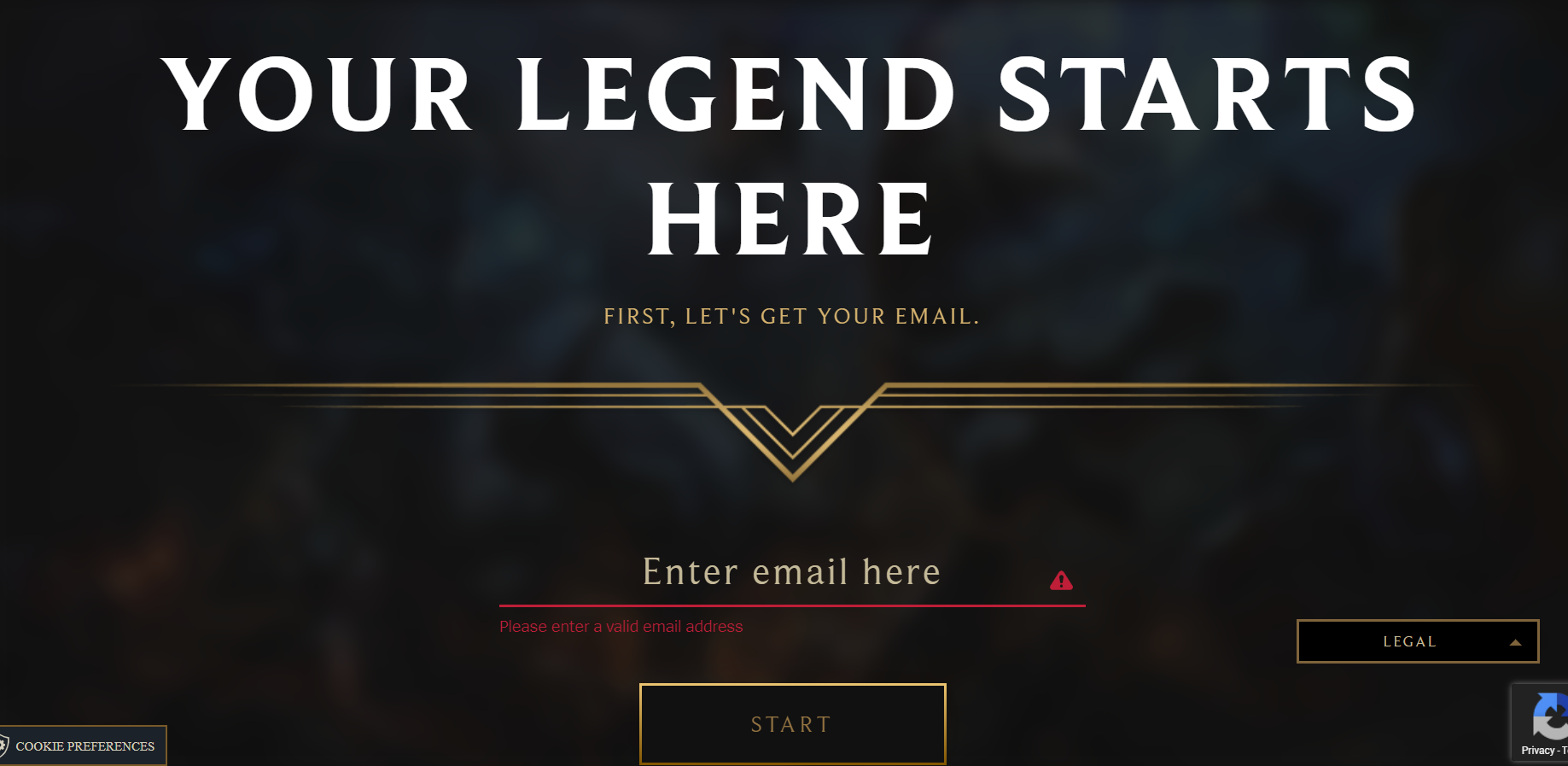
On the last page of this sign-up form, you will have to create a username and password. This is NOT the username that you will be using for Valorant, so don’t worry too much about it. Once you see the confirmation screen with the message “You’re all set” and the option to download League of Legends, your first step is complete.
Secondly, open up a new tab and head to the Riot games account page. Sign in here with the username and password that you have just created. When you have logged in, click on the “Riot ID” tab and press the edit button.
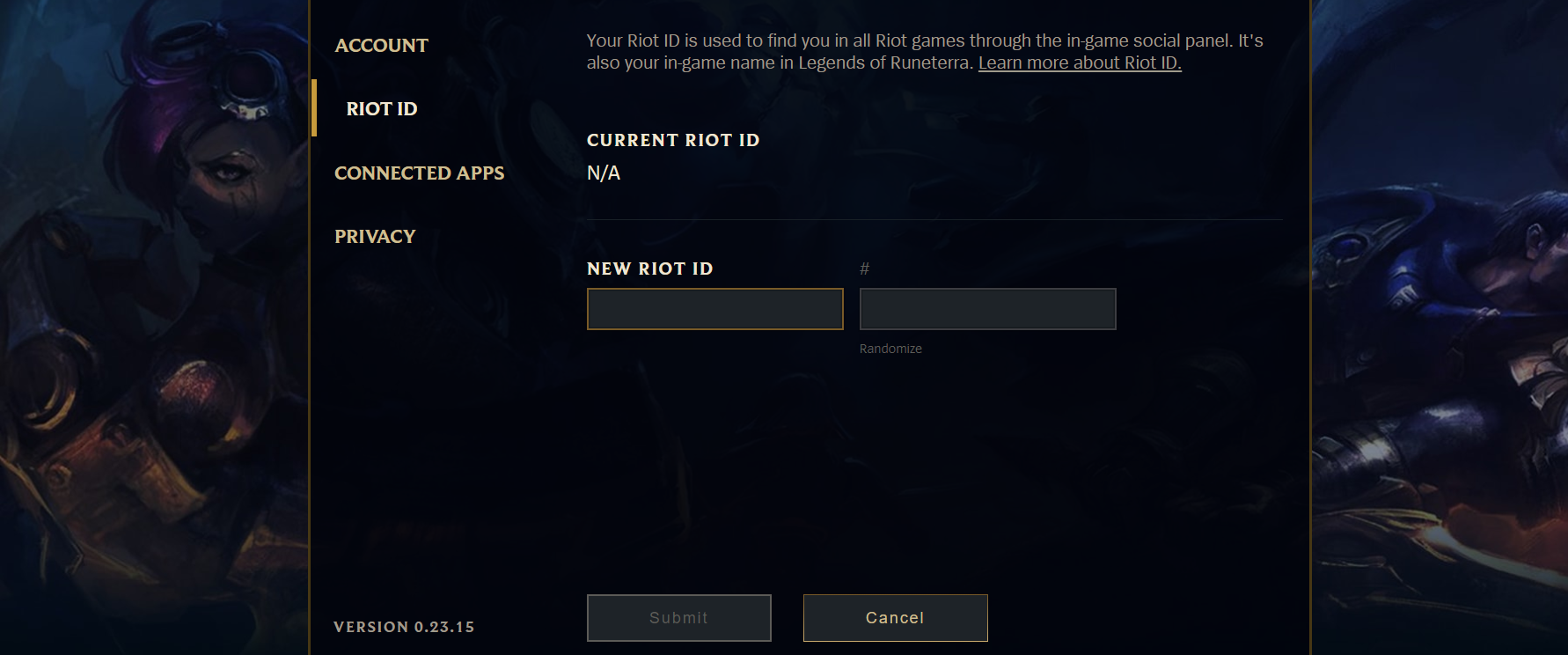
Here you can create your in-game display name that will show up when playing Valorant. This ID is made up of two parts, a name at the start, followed by an identification number. The identification number can also use letters. Submit this and you are good to go!
Think carefully about this username as it can only be reset once every 30 days. There is no major rush since multiple people can have the same name, but if you want to lock in a specific identification number as well, get to it.
,fit(cover),quality(80)/https%3A%2F%2Fcms.tracker.gg%2Fcontent%2Fimages%2F2026%2F06%2Fe83685974edceceef3fd8e0413dac95762816804-1920x1080.jpg/image.jpg)
,fit(cover),quality(80)/https%3A%2F%2Fcms.tracker.gg%2Fcontent%2Fimages%2F2026%2F06%2FHKBQQI6WQAAMa0a.jpg/image.jpg)
,fit(cover),quality(80)/https%3A%2F%2Fcms.tracker.gg%2Fcontent%2Fimages%2F2026%2F06%2Fpremium-frame-spirited_1200x675_comp.png/image.jpg)
,fit(cover),quality(80)/https%3A%2F%2Fcms.tracker.gg%2Fcontent%2Fimages%2F2026%2F05%2FFortnite-Power-Rankings.jpeg/image.jpg)
,fit(cover),quality(80)/https%3A%2F%2Fcms.tracker.gg%2Fcontent%2Fimages%2F2026%2F05%2FHI9JtYgagAAICE1.jpg/image.jpg)